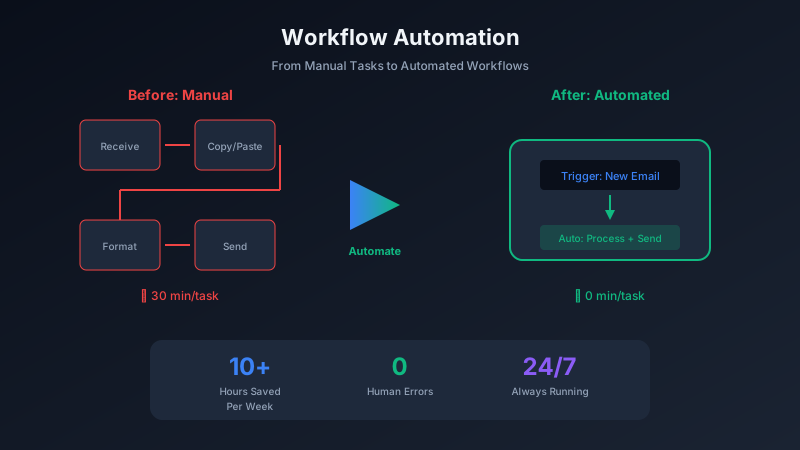
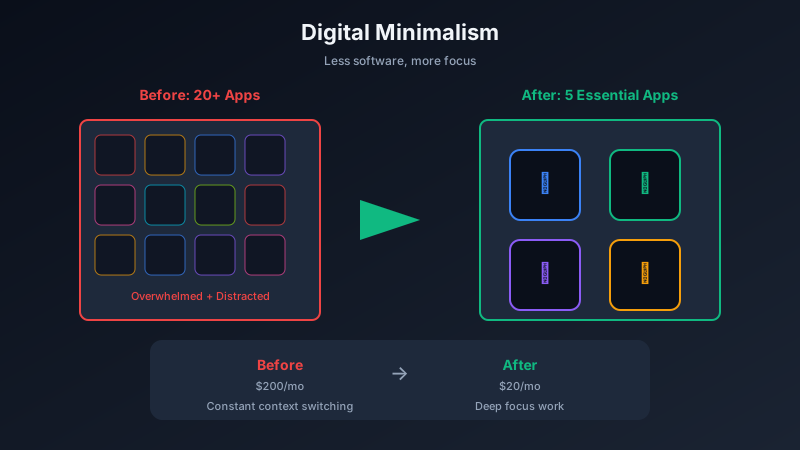
macOS comes with solid built-in tools, but power users know that a few carefully chosen apps can transform your workflow. The best part? Many of the most powerful productivity tools are completely free.
The Essential Mac Toolkit
Raycast: The Modern Launcher
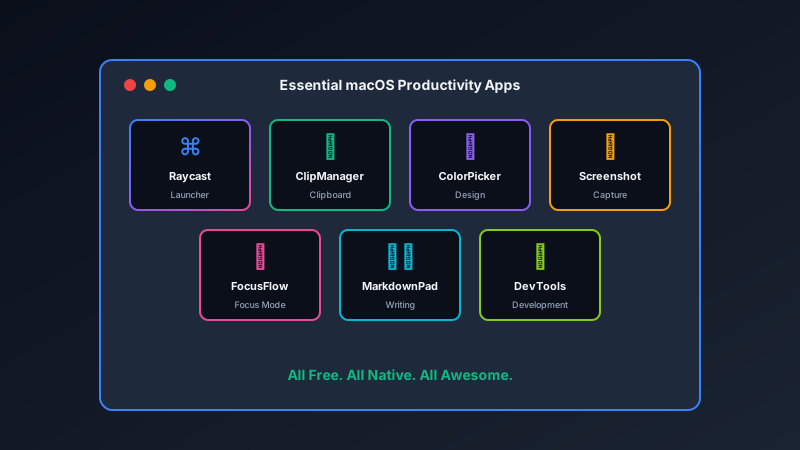
Raycast replaces Spotlight with a launcher that can do almost anything. Search files, run scripts, control apps, manage windows, and access AI - all from a single keyboard shortcut.
The free version includes everything most users need. Extensions add capabilities like clipboard history, emoji search, and app-specific controls.
Rectangle: Window Management
macOS window management is frustrating out of the box. Rectangle fixes this with keyboard shortcuts to snap windows to halves, thirds, or quarters of your screen.
No subscription, no account required. Just install and start organizing your windows.
Clipboard Managers
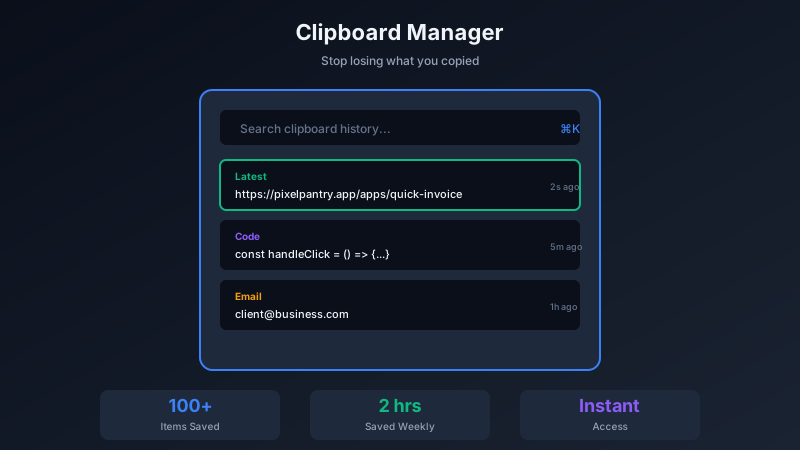
How much time do you waste re-copying things? A clipboard manager remembers everything you copy, letting you paste from your clipboard history.
ClipManager from Pixel Pantry keeps your clipboard history searchable and accessible with a quick keyboard shortcut.
Screenshot Tools
macOS screenshots are basic. Tools like Screenshot Studio add annotation, backgrounds, and instant sharing to make your screenshots actually useful.
Focus and Productivity
Distraction is the enemy of deep work. Focus apps like FocusFlow block distracting websites and apps during work sessions, helping you maintain concentration.
The Workflow Multiplier
Each of these tools saves minutes per day. Combined, they transform your productivity:
- Raycast saves 30+ seconds per search
- Rectangle eliminates minutes of window dragging
- Clipboard history saves re-finding and re-copying
- Screenshot tools eliminate editing in other apps
- Focus apps protect hours of deep work time
Installation Tips
For the smoothest experience:
- Install one at a time. Learn each tool before adding another.
- Customize keyboard shortcuts. Make them consistent and memorable.
- Start with defaults. Advanced configuration can wait until you know what you need.
The Native Advantage
All these tools are native macOS applications. They launch instantly, integrate with system features, and do not drain your battery like web apps or Electron-based tools.
At Pixel Pantry, we build native macOS apps because we believe in quality. Our tools are designed specifically for Mac, taking advantage of everything the platform offers.
Your Mac is capable of so much more than the default setup allows. These free tools unlock that potential.