You copy something, then copy something else, and the first thing is gone forever. This happens dozens of times daily. A clipboard manager solves this simple but frustrating problem.
The Problem
Your operating system's clipboard holds exactly one item. Copy anything new and the previous content vanishes. This creates constant friction:
- Re-finding text you copied earlier
- Switching between documents to copy multiple pieces
- Losing important snippets when you accidentally copy over them

The Solution
A clipboard manager remembers everything you copy. Press a keyboard shortcut and see your entire clipboard history, searchable and organized.
Key Features
- History: Access anything you have copied, sometimes going back thousands of items
- Search: Find that snippet from three days ago instantly
- Categories: Organize by type - text, links, code, images
- Favorites: Pin frequently-used items for quick access
Real Productivity Impact
Recommended Tools
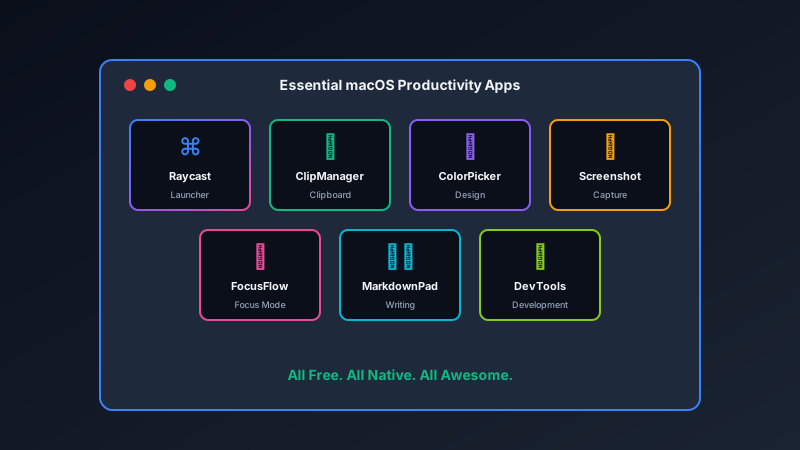
For Mac users, ClipManager from Pixel Pantry provides a clean, fast clipboard history with keyboard-driven access.
Other solid options include Raycast (which includes clipboard history in its free tier) and Paste for those wanting more visual organization.
Getting Started
- Install a clipboard manager
- Set a memorable keyboard shortcut
- Use it for a week
- Wonder how you ever lived without it
This is one of those tools that seems trivial until you use it. Then it becomes indispensable.