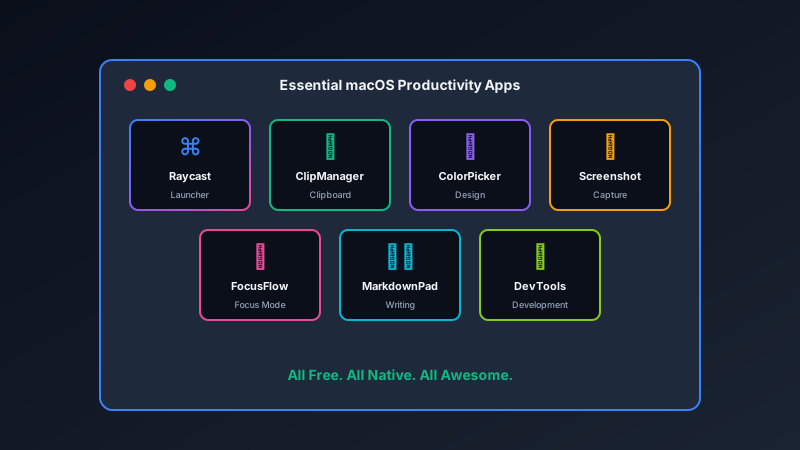
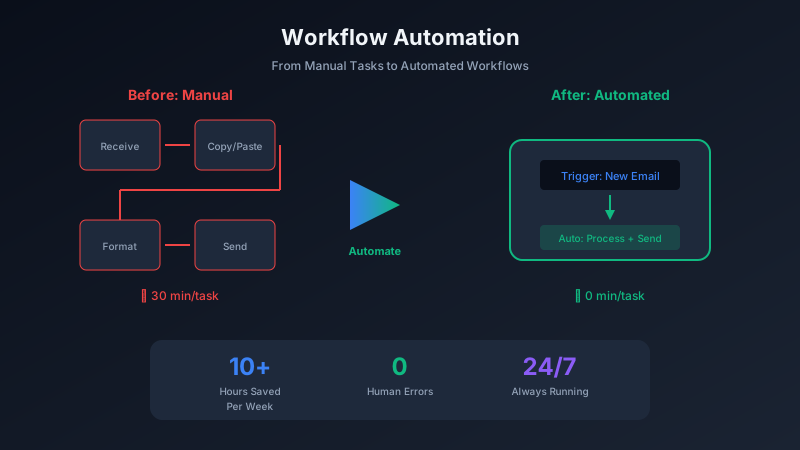
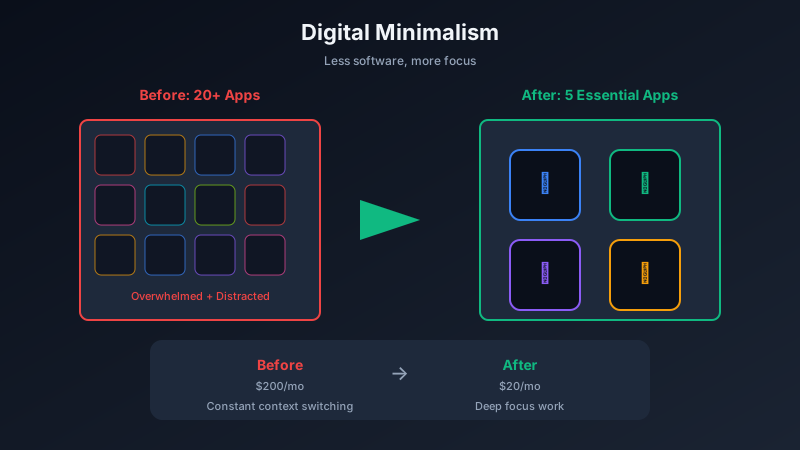
The average person checks their phone 96 times per day. Each interruption costs 23 minutes of focus. Focus apps fight back by blocking distractions so you can do meaningful work.
The Distraction Problem
Modern technology is designed to capture attention. Notifications, infinite scrolls, and algorithmic feeds are engineered to be irresistible. Willpower alone is not enough.
How Focus Apps Work
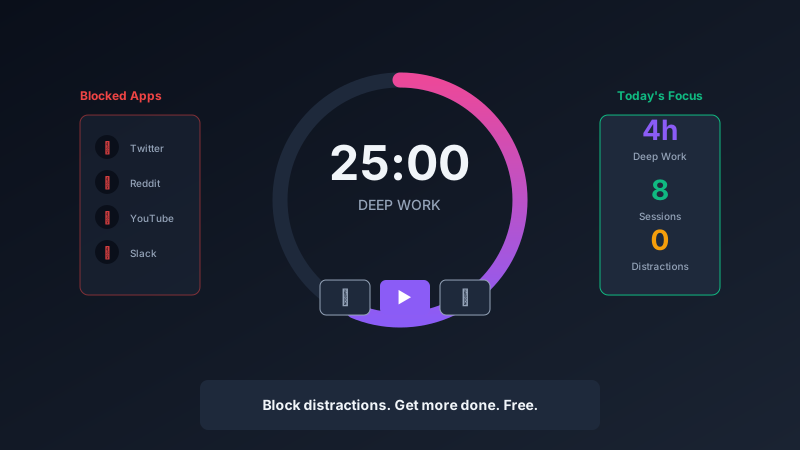
Focus applications typically provide:
- Website blocking: Prevent access to distracting sites during work sessions
- App blocking: Hide or disable distracting applications
- Timer systems: Work in focused sprints with built-in breaks
- Statistics: Track how much focused time you achieve
The Pomodoro Technique
Most focus apps support the Pomodoro Technique:
- Work for 25 minutes with full focus
- Take a 5-minute break
- Repeat four times
- Take a longer 15-30 minute break
This rhythm prevents burnout while maintaining productivity.
Results You Can Expect
Recommended Tools
FocusFlow from Pixel Pantry provides simple, effective focus sessions with distraction blocking built in. It is free and does exactly what it needs to do.
For more comprehensive solutions, Cold Turkey Blocker and Freedom offer cross-platform blocking with scheduling features.
Starting Your Focus Practice
- Install a focus app
- Identify your top 5 distracting websites/apps
- Block them during work hours
- Start with short focus sessions and build up
Deep work is a skill that improves with practice. Focus apps provide the environment where that practice can happen.